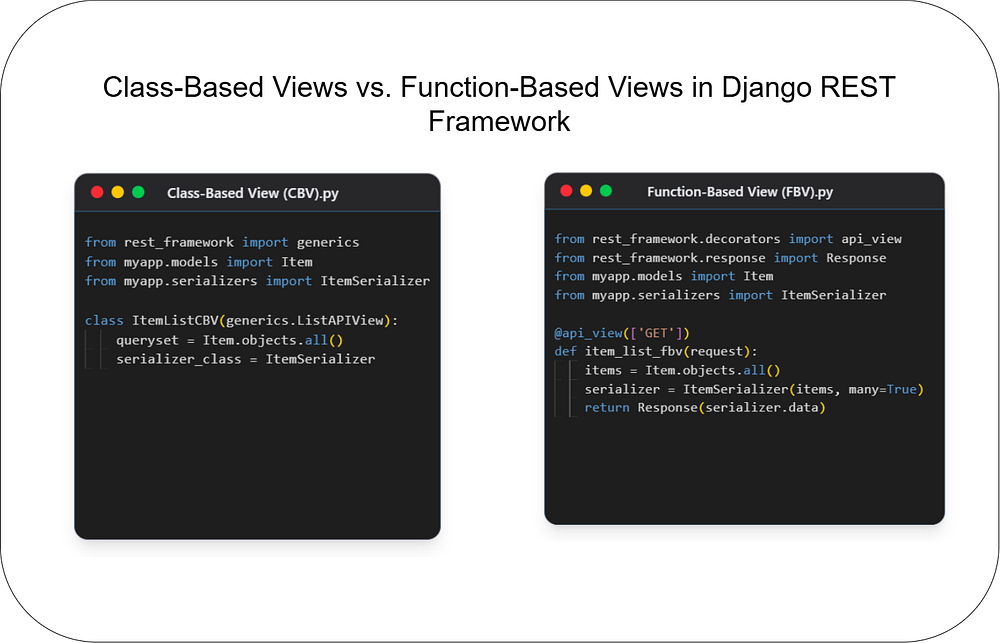
Class-Based Views vs. Function-Based Views in Django REST Framework
Python
Choosing the right architecture for your API endpoints is crucial for building scalable and maintain...
149

We’ve all been there. You look at your Downloads folder and it’s a digital graveyard. PDFs mixed with cat memes, random .exe installers, and three different versions of the same .zip file. It’s a mess, it kills your productivity, and honestly, it’s just stressful.
I got tired of manually dragging and dropping files every Sunday, so I wrote a Python automation script to do it for me. It’s simple, it’s future-proof, and it works like a charm.
Managing files manually is a waste of time. By using a script for automated file organization, you get:
Instant Searchability: Know exactly where your PDFs or Images are.
Better Workflow: Spend less time clicking and more time doing.
A Clean Desktop: A decluttered digital space leads to a decluttered mind.
The best part about this script? You don’t have to keep fixing it. If you download a new image, it checks if an “Images” folder exists. If it does, it drops the file in. If not, it creates the folder automatically. It’s set-it-and-forget-it.
Here is the script I use. You can copy-paste this and run it on your PC or Mac.
import os
import shutil
def organize_junk(folder_path):
    # Mapping extensions to category folders
    file_map = {
        'Images': ['.jpg', '.jpeg', '.png', '.gif', '.svg'],
        'Docs': ['.pdf', '.docx', '.txt', '.xlsx', '.pptx'],
        'Apps': ['.exe', '.msi', '.dmg', '.pkg'],
        'Zips': ['.zip', '.rar', '.7z', '.tar'],
        'Media': ['.mp4', '.mp3', '.mov', '.wav']
    }
if not os.path.exists(folder_path):
        print("Path not found!")
        return
    os.chdir(folder_path)
    for item in os.listdir():
        if os.path.isdir(item): continue # Skip folders
        ext = os.path.splitext(item)[1].lower()
        moved = False
        for folder, extensions in file_map.items():
            if ext in extensions:
                if not os.path.exists(folder): os.makedirs(folder)
                shutil.move(item, os.path.join(folder, item))
                moved = True
                break

        # Catch-all for unknown files
        if not moved and ext != '':
            if not os.path.exists('Others'): os.makedirs('Others')
            shutil.move(item, os.path.join('Others', item))
    print("Success! Folder organized.")
# Run it!
target = input("Paste folder path to clean: ")
organize_junk(target)
🔥 Found this blog post helpful? 🔥
If you enjoyed this article and found it valuable, please show your support by clapping 👏 and subscribing to my blog for more in-depth insights on web development and Next.js!
Subscribe here: click me
🚀 Follow me on:
🐦 Twitter/X: @sagar sangwan
🔗 LinkedIn: Sagar Sangwan
Your encouragement helps me continue creating high-quality content that can assist you on your development journey. 🚀

Code. Write. Build. Explore. 💻✍️ Software developer by day, mechanical tinkerer by night. When I’m not shipping code or writing blogs, you’ll find me trekking up a mountain, whipping up a feast, or hitting the open road on two wheels. Life is better in high gear.
View more blogs by me CLICK HERE
Choosing the right architecture for your API endpoints is crucial for building scalable and maintain...

Master JavaScript with these 10 concise and powerful one-liners. Level up your coding skills with ef...
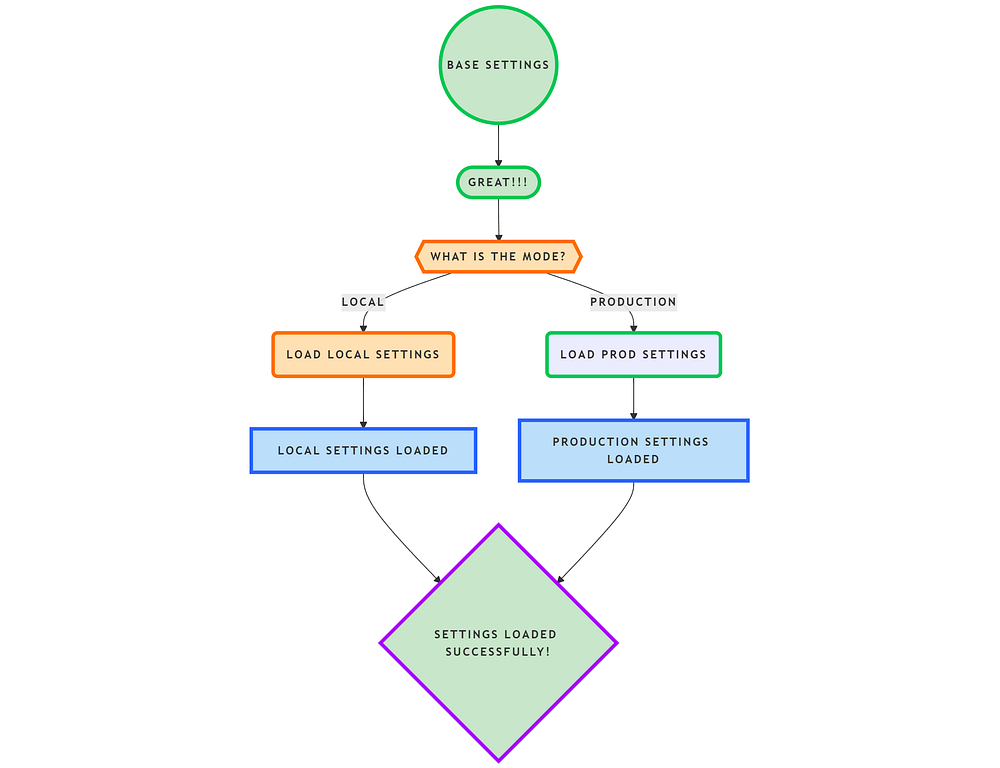
In this blog, we’ll structure Django settings efficiently using a modular approach. We’ll create a s...
Subscribe to get the latest posts delivered to your inbox