
How I Built Google OAuth for a Real SaaS (Next.js + Auth.js) — CreatorCopilot Part 2
programming
Learn how to implement production-ready Google OAuth in Next.js using Auth.js (NextAuth v5) with App...
104
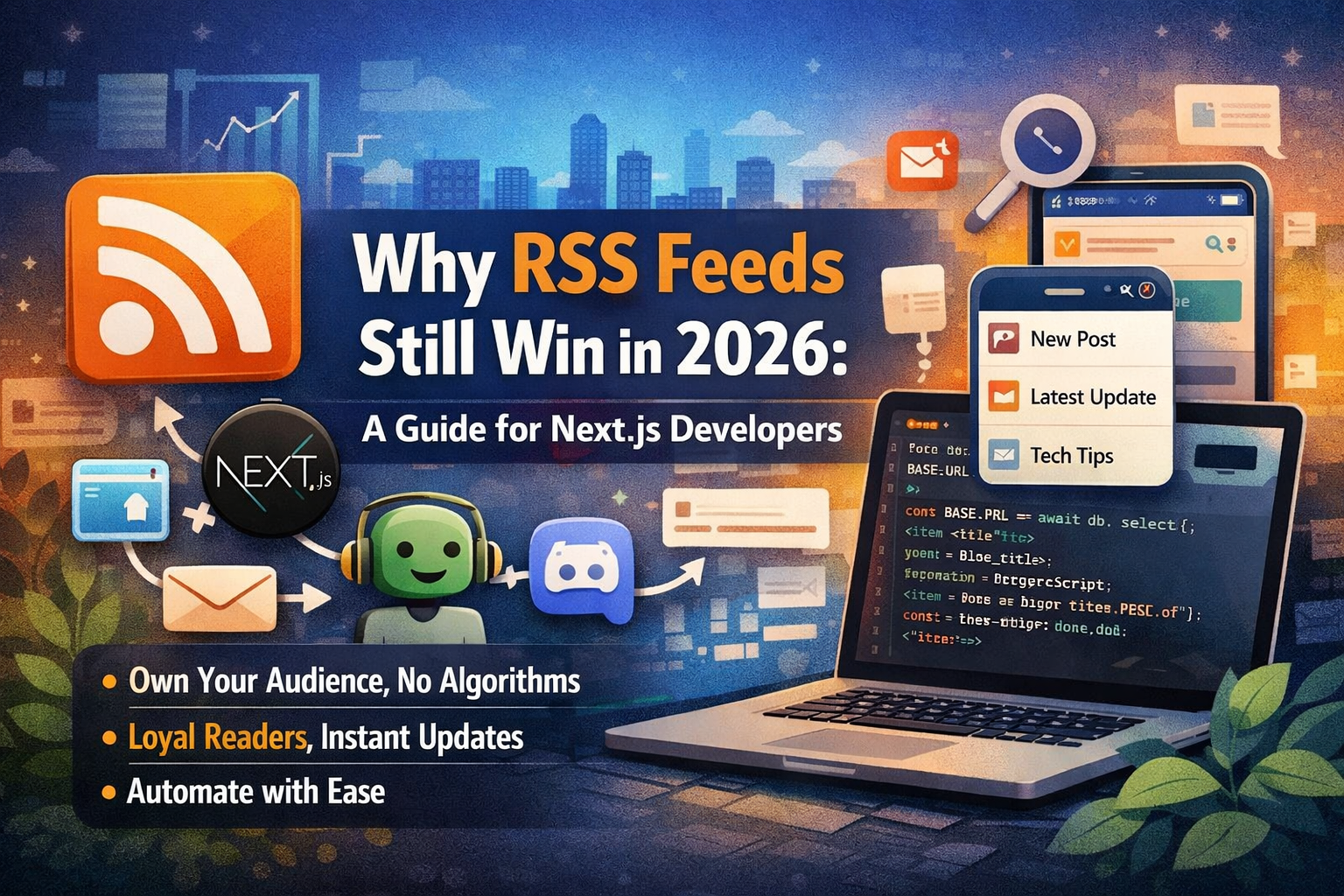
If you’re a creator, engineer, or indie builder, you’ve probably learned this the hard way: Algorithms are fickle.
Platforms can change their reach overnight. A single tweak to a feed ranking can kill your traffic. But there is one channel that remains completely immune to the “algorithm drama” of the big tech giants.
RSS.
It’s one of the few ways your content reaches people directly, 1:1, without a middleman deciding if your post is “worthy.” If you’re running a blog on Next.js, setting up an RSS feed is a high-leverage move that’s easier than you think.
In this guide, I’ll show you exactly how to build a production-ready RSS feed using the Next.js App Router and why this “old school” tech is actually a secret weapon for long-term growth.
At its core, RSS (Really Simple Syndication) is just an XML feed of your latest posts.
When someone subscribes to your feed in a tool like Feedly or Inoreader, your new posts appear there automatically. There is no social media dependency. No “hoping the post performs.”
Think of it as a Content API for humans and automation tools.
Most creators ignore RSS because it feels like “legacy tech.” That’s exactly why it’s underrated. Here is what it actually gives you:
Total Ownership: You own the distribution. Your audience gets updates directly.
High-Intent Traffic: RSS users are your most loyal readers. They aren’t just scrolling; they’ve invited you into their curated feed.
Faster Discovery: Modern search systems and indexing tools use RSS to detect new pages almost instantly.
Automation Fuel: You can connect your feed to Discord, Slack, Telegram, or automated email digests without writing a single line of extra code later.
To get this running, we’re going to create a route handler. This ensures your feed stays up to date as you publish new content.
Create this file: app/rss.xml/route.ts
TypeScript
import { NextResponse } from "next/server";
import { desc } from "drizzle-orm";
import { db } from "@/drizzle/src/db";
import { blog } from "@/drizzle/src/db/schema";
const BASE_URL = "https://yourdomain.com";
// We'll revalidate every 10 minutes
export const revalidate = 600;
function escapeXml(value: string): string {
return value
.replace(/&/g, "&")
.replace(/</g, "<")
.replace(/>/g, ">")
.replace(/"/g, """)
.replace(/'/g, "'");
}
function stripHtml(html: string): string {
return html.replace(/<[^>]+>/g, " ").replace(/\s+/g, " ").trim();
}
export async function GET() {
const posts = await db
.select({
title: blog.title,
slug: blog.slug,
description: blog.description,
content: blog.content,
createdAt: blog.createdAt,
updatedAt: blog.updatedAt,
})
.from(blog)
.orderBy(desc(blog.createdAt));
const items = posts
.map((post) => {
const url = `${BASE_URL}/blog/${post.slug}`;
const plainContent = stripHtml(post.content);
const summary =
post.description?.trim() ||
(plainContent.slice(0, 220) + (plainContent.length > 220 ? "..." : ""));
const pubDate = new Date(post.createdAt ?? post.updatedAt ?? Date.now()).toUTCString();
return `
<item>
<title>${escapeXml(post.title)}</title>
<link>${url}</link>
<guid isPermaLink="true">${url}</guid>
<description>${escapeXml(summary)}</description>
<pubDate>${pubDate}</pubDate>
</item>
`;
})
.join("");
const rss = `<?xml version="1.0" encoding="UTF-8" ?>
<rss version="2.0">
<channel>
<title>${escapeXml("Your Blog Title")}</title>
<link>${BASE_URL}</link>
<description>${escapeXml("Your blog description here.")}</description>
<language>en-us</language>
<lastBuildDate>${new Date().toUTCString()}</lastBuildDate>
${items}
</channel>
</rss>`;
return new NextResponse(rss, {
headers: {
"Content-Type": "application/rss+xml; charset=utf-8",
"Cache-Control": "public, s-maxage=600, stale-while-revalidate=86400",
},
});
}Your feed exists, but you need to tell browsers and readers where to find it. Add this to your root layout metadata or within the <head> of your site:
HTML
<link
  rel="alternate"
  type="application/rss+xml"
  title="Your Blog RSS Feed"
  href="https://yourdomain.com/rss.xml"
/>Setting it up is only half the battle. Here is how you actually use it to grow:
The Newsletter Flywheel: Use a tool like Mailchimp or ConvertKit to “Read from RSS.” This creates a weekly digest of your posts and sends it to your email list automatically.
Community Hubs: Use Zapier or Make.com to push new items from your feed into a Discord “Announcements” channel or a Telegram group.
Cross-Platform Snippets: Use your RSS feed as a source to automatically generate social media drafts or “What’s New” sections on your personal portfolio.
I’ve seen plenty of broken feeds. To keep yours healthy, watch out for these:
XML Character Errors: Always escape symbols like & and <. If you don't, the feed will crash in readers.
Invalid Dates: RSS is picky about date formats. Always use .toUTCString().
Missing Summaries: Don’t just provide the title. Give readers enough context (about 200 characters) to make them want to click through.
RSS isn’t “old.” It’s stable infrastructure. In an era of fleeting social media trends and changing algorithms, having a direct line to your audience is the ultimate competitive advantage. Build it once, let it run in the background, and watch your content compound.
🔥 Found this blog post helpful? 🔥
If you enjoyed this article and found it valuable, please show your support by clapping 👏 and subscribing to my blog for more in-depth insights on web development and Next.js!
Subscribe here: click me
🚀 Follow me on:
🌐 Website: sagarsangwan.dev
🐦 Twitter/X: @sagar sangwan
🔗 LinkedIn: Sagar Sangwan
📸 Instagram: @codingbysagar
▶️YouTube: @codingbysagar
Your encouragement helps me continue creating high-quality content that can assist you on your development journey. 🚀

Code. Write. Build. Explore. 💻✍️ Software developer by day, mechanical tinkerer by night. When I’m not shipping code or writing blogs, you’ll find me trekking up a mountain, whipping up a feast, or hitting the open road on two wheels. Life is better in high gear.
View more blogs by me CLICK HERE
Learn how to implement production-ready Google OAuth in Next.js using Auth.js (NextAuth v5) with App...
A practical guide to protecting your APIs from bots using rate limiting, request throttling, caching...

A practical guide to implementing a production-ready SEO stack in a Next.js blog. Learn how to add J...
Subscribe to get the latest posts delivered to your inbox